Quick answer: what is an AI workflow automation audit?
An AI workflow automation audit is a structured diagnostic of one business process from intake to outcome. It identifies where people re-key data, move information between tools, wait for approvals, correct repeated errors, handle exceptions and assemble reports manually. The output is not a shopping list of software. It is a prioritised map of which workflow gaps are worth automating, where human approval must remain, and what metrics should prove that the change worked.
For service businesses, agencies and operations teams, the audit should answer five questions: where does work enter, where does it stall, where is information duplicated, where can a failure disappear silently, and what can be measured before and after automation?
Why audit before building automation
Many automation projects fail because a team starts with a tool rather than a process. A connector may move data from one application to another while the real bottleneck remains an unclear approval rule or a manual exception queue. Automating an undefined process usually makes the confusion faster, not better.
An audit separates three things that are often mixed together:
- repetitive movement of data, which is usually a strong automation candidate;
- business judgement, which may need AI assistance but often requires human approval;
- broken or undefined process rules, which must be fixed before automation.
The result is a safer implementation plan with fewer hidden dependencies.
The four friction points to inspect
1. Intake
Map every way work enters the process: forms, emails, PDFs, CRM records, spreadsheets, support tickets, calendar bookings or social messages. Multiple intake points often create inconsistent fields, duplicates and unclear ownership.
Audit questions:
- Is there one reliable trigger?
- Are required fields captured at the start?
- Does the same customer or task enter through more than one route?
- Can the system identify duplicates before new work is created?
2. Handoffs
Trace every point where one person or system passes information to another. Manual copy-paste between tools is a strong signal because it creates delay and data-quality risk without adding judgement.
Look for repeated actions such as updating the CRM after a call, copying form data into a spreadsheet, moving attachments into folders, or recreating the same task in multiple systems.
3. Approval and exceptions
Document where a human decision is genuinely required. Client-facing messages, financial actions, sensitive records and low-confidence AI results should not disappear into an automated path without an explicit control point.
A good audit records:
- who can approve;
- what evidence they need;
- what happens when they reject or edit;
- how long approval can wait;
- where unclear or failed cases go.
4. Reporting and feedback
If nobody can see cycle time, error rate, fallback volume or manual overrides, the team cannot tell whether automation improved the process. Measurement needs to be designed into the workflow rather than added afterwards.
A practical workflow audit checklist
Use this checklist on one process at a time:
- Define the start and end point.
- List every system and person involved.
- Record each manual data-entry or copy-paste step.
- Mark approval decisions and who owns them.
- Identify duplicate checks and validation rules.
- List the common exceptions and current fallback route.
- Record failure points that can go unnoticed.
- Capture the current baseline: time, errors, response speed, rework and completion rate.
- Decide which steps can be automated safely.
- Define the human review and reporting needed after launch.
The audit should produce a process map and a ranked backlog, not a vague recommendation to “use AI”.
How to score automation opportunities
Not every friction point deserves a build. Prioritise opportunities using six factors:
| Factor | Strong candidate | Weak candidate | | --- | --- | --- | | Volume | Repeats daily or weekly | Rare | | Variance | Most cases follow known rules | Many unique cases | | Data quality | Structured and available | Missing or inconsistent | | Ownership | One accountable owner | Shared or unclear | | Failure cost | Visible and recoverable | High-risk or irreversible | | Baseline | Measurable today | No current evidence |
High-volume, low-variance workflows with clear ownership and recoverable failures are normally the safest place to start.
Example audit: lead qualification and CRM updates
A service business receives enquiries through a website form, email and social channels. A team member checks whether the company already exists in the CRM, researches the account, decides whether the lead is relevant, drafts a reply and creates a follow-up task.
The audit may reveal:
- three intake routes with different field quality;
- duplicate CRM records because history is checked inconsistently;
- repetitive research that can be standardised;
- a human qualification decision that should remain visible;
- draft replies that can be AI-assisted but should be approved;
- no measurement of first-response time or override rate.
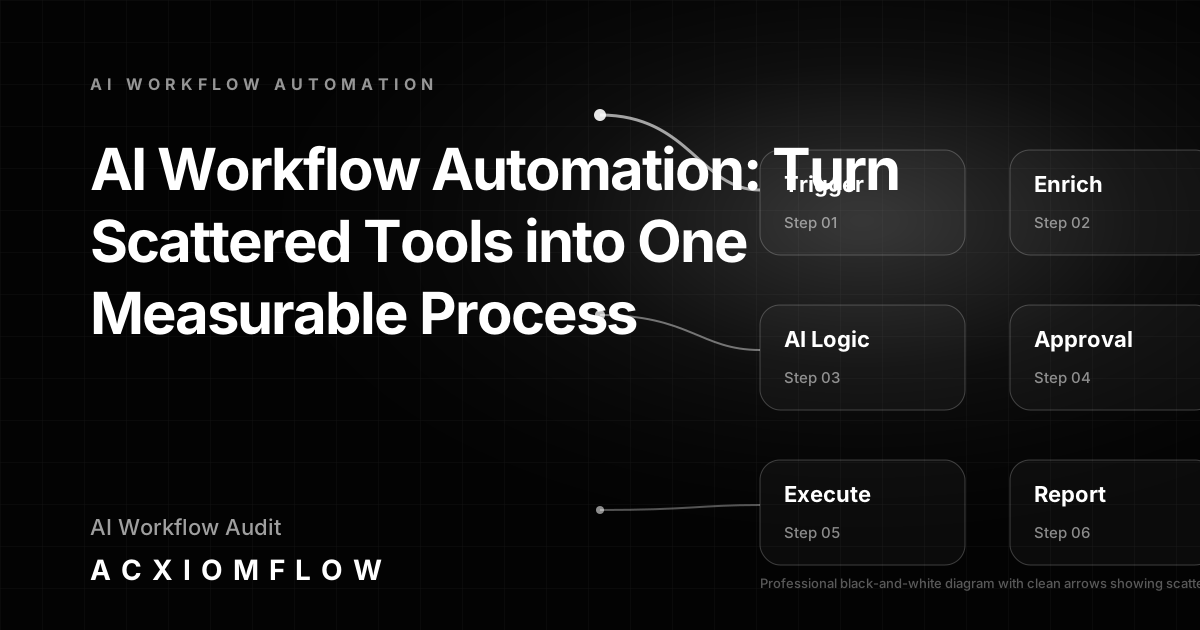
The resulting workflow could normalise intake, check CRM history, enrich available data, classify likely fit, draft the response, pause for approval and then update the CRM. Low-confidence cases go to a fallback queue with a reason.
Example audit: document processing
Invoices, contracts or customer forms arrive by email. Staff open the file, identify the type, extract fields, check missing information, enter data in another system and file the document.
The audit distinguishes between extraction work and judgement. AI can classify and extract; business rules can validate; a human can review low-confidence or financially sensitive cases. The final workflow should log corrections so the team can measure extraction accuracy and rework.
For the detailed architecture, see the document workflow automation guide.
Example audit: client onboarding
Onboarding often contains hidden handoffs between sales, operations and finance. Audit the trigger after a deal closes, information requests, document collection, account setup, internal assignments, training and kickoff readiness.
Common findings include duplicated data requests, unclear ownership of missing information and tasks created manually from the same checklist. These are suitable for automation when the standard path is clear and exceptions are routed rather than ignored.
What the audit should produce
A useful AI workflow audit ends with four tangible outputs:
A current-state process map
This shows the real sequence, not the ideal policy document. Include systems, people, approvals, wait states and exception routes.
A prioritised opportunity list
Each proposed automation should state the trigger, decision rules, approval point, output, fallback route and metric.
A risk and governance plan
Define which actions can run automatically, which need human approval, what data may be used by AI, and how errors are logged and escalated.
A measurement baseline
Record current handling time, response time, errors, rework, backlog age and manual touches so benefits can be tested rather than assumed.
Red flags that mean “do not automate yet”
Do not rush into implementation when:
- no one owns the process;
- rules change from person to person;
- source data is incomplete or contradictory;
- exceptions are more common than the standard path;
- a wrong action would have high financial, legal or client impact;
- the team cannot describe what success looks like.
In these cases, the audit has still succeeded: it has identified the process work that must happen first.
Human-in-the-loop and fallback design
Human approval is not a failure of automation. It is the control mechanism that allows automation to move quickly where the rules are reliable while stopping where judgement matters.
Every automated path should also have a visible fallback. A failed API call, low-confidence classification, missing document or conflicting record should produce a task with an owner, the original input and a reason. Silent failure is one of the biggest risks in operational automation.
Measuring the result after implementation
After launch, compare the same baseline metrics captured during the audit:
- time from trigger to completed outcome;
- number of manual touches;
- correction and override rate;
- fallback volume and age;
- response speed;
- completion rate;
- data-quality errors.
Review the figures regularly and adjust rules when the process or source systems change. AI workflows are managed operational systems, not one-off builds.
Where Acxiomflow fits
Acxiomflow helps service businesses move from scattered tools to one working process without forcing a replacement of the existing software stack. The audit maps the process first; implementation then connects the relevant systems with business rules, AI assistance, human approval, fallback handling and reporting.
If the audit shows that a process is ready, the next step is a controlled implementation with measurable outcomes. See AI workflow automation services and the Acxiomflow process.
Frequently asked questions
How do I audit my business workflows for AI automation?
Choose one process and map it from trigger to outcome. Record every system, manual handoff, approval, repeated error, exception and reporting step. Capture baseline time and error data, then rank automation opportunities by volume, variance, ownership, failure cost and measurability.
What should an AI workflow audit include?
It should include a current-state process map, friction points, automation opportunities, human approval requirements, fallback paths, data and governance risks, and a measurement baseline.
Does an AI workflow audit recommend specific tools?
It can identify technical requirements, but tools should come after process design. Platforms such as n8n, Make, Zapier, CRMs, databases and LLMs are components. The audit should define the workflow logic first.
How long does a workflow audit take?
A tightly scoped workflow can often be mapped quickly, but the useful output depends on access to the people and data that reveal how the process actually runs. The goal is accuracy, not a generic checklist.
What happens after the audit?
Prioritise one high-value, low-risk workflow, define approval and fallback rules, implement it in the existing stack, train the owner and measure the result against the baseline.
Ready to identify the workflow that will create the clearest operational improvement? Book a free 30-minute workflow consultation.