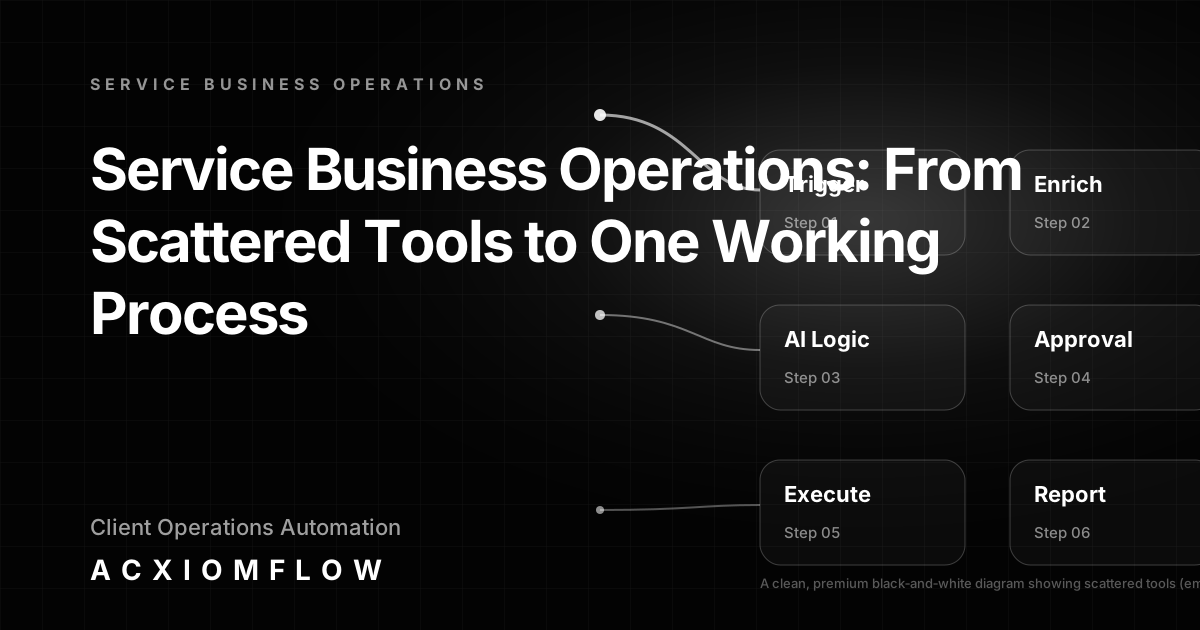
Before defining service business operations, consider what happens in most service businesses today: leads arrive through forms and email, someone copies details into a CRM, another person chases documents, support tickets land in a different inbox, and reporting is assembled by hand. The tools are there, the AI is scattered inside the apps your team already pays for—but the process is still held together by copy‑paste and manual handovers. This article explains how to turn service business operations into one working process, with AI handling the repetitive parts, your team keeping approval and oversight, and your existing software remaining in place.
What Are Service Business Operations, Really?
Service business operations are the day‑to‑day activities that deliver client value: intake of new requests, client communication, service delivery, billing, support, and the internal coordination that ties them together. In a digital agency, that means onboarding new clients, qualifying leads, drafting proposals, managing projects, and reporting results. In a consultancy, it means client discovery sessions, scoping, invoicing, and follow‑up. Regardless of the industry, service businesses run on processes that cross departments, tools, and data—processes that frequently remain disconnected.
Common service business types—digital agencies, IT support, accounting firms, marketing studios, law practices, coaching businesses, and property services—all face the same operational friction. They have modern tools, yet their daily operations still involve manual copy‑paste, missed handovers, and time‑consuming admin tasks that eat into client‑facing work.
The Hidden Cost of Scattered Tools and Disconnected AI
Most service businesses already own AI features: the CRM that scores leads, the support chatbot that drafts replies, the proposal generator that summarises backgrounds. The problem is that none of it is connected into a single workflow. Information sits in separate inboxes, spreadsheets, and platforms, forcing someone to move data between systems by hand.
The result is operational drag: leads wait longer for a reply, CRM records go out of date, documents are processed individually, reports take hours to compile, and important tasks slip through the cracks. Teams repeat the same admin work every week. The cost shows up as slower response times, fewer billable hours, and stretched team morale—not because the tools are missing, but because the process is missing.
A Practical Framework: One Working Process, Not Just Another Tool
Instead of buying another platform, the goal is to connect what you already have into a measurable, reliable workflow. The following six‑step architecture turns scattered service business operations into one working process, with human oversight built in from the start.
Trigger & Intake
Every workflow begins with an event: a form submission, an inbound email, a new CRM record, a PDF attachment, a webhook, or a calendar booking. The intake step captures these signals from multiple channels and funnels them into a single stream so that no request is missed. This could mean monitoring several inboxes, parsing attachments, and standardising the data format regardless of source.
AI Understanding
Once the raw input is captured, AI agents—powered by large language models (LLMs)—classify, extract, and summarise the information. For example, an incoming email from a prospective client is read, the request type is identified (e.g., “website audit”, “support issue”, “proposal request”), key details are extracted, and a summary is generated. This step turns unstructured noise into structured, actionable data without manual hand‑offs.
Process Rules
Business logic routes the structured output to the right place. Rules determine who needs to see what, set priorities, check for missing fields, flag anomalies, and enforce service‑level expectations. For instance, if a document is missing a required attachment, the workflow can escalate to a team member automatically rather than waiting for someone to notice.
Tool Updates
With the data clean and routed, the workflow pushes updates into the tools your team already uses: CRM fields are populated, tasks are created, spreadsheets are appended, and databases are updated. No one copies and pastes. Automation platforms like n8n, Make, and Zapier can orchestrate the handshakes between applications, but the process architecture remains independent of any single tool.
Team Approval
AI prepares the draft, the summary, or the next action. Humans retain final approval where it matters. A support reply draft appears for review before sending. A lead qualification score prompts a team member to confirm or adjust. Critical actions always include a review step so that oversight, judgement, and client‑specific knowledge stay in control.
Fallback Paths & Error Handling
Workflows include built‑in checks, alerts, and escalation paths to prevent silent failures. If an AI extraction confidence is low, the record is flagged. If a tool connection fails, the system retries or notifies the team. Fallback paths ensure that no action gets lost and that the operational chain remains visible.
Reporting & Real Numbers
The entire process is tracked. Measurement covers time saved per workflow, errors caught, response speed, and bottlenecks removed. These metrics give teams visibility into their operations, help identify further improvement areas, and demonstrate the tangible value of automation without relying on anecdotes.
Concrete B2B Workflow Examples That Replace Scattered Work
The framework above comes to life in specific operational scenarios. Each example follows the same pattern: trigger → AI logic → human approval → output, with fallback and reporting built in. For a closer look at how these processes are assembled, explore our AI workflow automation examples.
Client Onboarding Automation for Service Businesses
Onboarding usually means sending welcome emails, collecting documents, setting up internal tasks, and updating the CRM. Instead of manual chaining, an automated onboarding workflow can:
- Trigger: A signed contract or an intake form submission.
- AI Understanding: Extract key client details, expected services, and required documents from the form or email thread; generate a personalised welcome draft and a checklist of internal tasks.
- Human Approval: A team member reviews the draft email and task list, then confirms.
- Output: The CRM is updated, the welcome email is sent, tasks are created in the project management tool, and the document collection tracker is initialised.
This process, commonly known as client onboarding automation for service businesses, turns a scattered, high‑touch activity into a repeatable, accountable workflow that reduces delays and improves client experience.
Lead Qualification and Follow‑Up Process
Leads often arrive through multiple channels. Instead of letting them sit, an AI‑driven process:
- Trigger: A new enquiry from a contact form, CRM, or landing page.
- AI Understanding: Enrich the lead with publicly available business data, score the lead based on predefined criteria, and draft a contextual follow‑up message.
- Human Approval: The sales team reviews the draft and the score, then approves or edits.
- Output: The lead record is updated in the CRM, the follow‑up is sent, and the team receives an alert.
Invoice & Document Processing
PDF invoices and forms are processed differently each time unless automated.
- Trigger: A new PDF arriving via a dedicated email or folder.
- AI Understanding: Extract invoice number, amounts, dates, and vendor details.
- Human Approval: An accounts colleague reviews the extracted data before posting.
- Output: Data flows into the accounting system, and a confirmation task is created.
CRM and Data Hygiene
Databases decay when manual entry lags.
- Trigger: A schedule or a webhook from a project update.
- AI Understanding: Compare current CRM records with external data sources, flag stale fields.
- Human Approval: A responsible person confirms the suggested updates.
- Output: CRM fields are refreshed without anyone chasing data.
Automated Reporting and Insight
- Trigger: A weekly timer.
- AI Understanding: Pull activity data from CRM, project management, and support tools; generate a summary of performance, bottlenecks, and trends.
- Human Approval: An operations lead reviews the summary before distribution.
- Output: A clean report is pushed to Slack, email, or a dashboard.
Content Operations and Internal Knowledge
- Trigger: A new content idea submission or a scheduled publishing trigger.
- AI Understanding: The AI drafts, outlines, or enriches content; it also answers internal queries by searching a knowledge base.
- Human Approval: The content team reviews and edits.
- Output: Content is scheduled, published, or fed into approval pipelines.
Each of these workflows removes manual handovers and replaces scattered tool usage with a single, auditable process. For more on building such systems, read practical implementation guides on our Acxiomflow blog.
How Acxiomflow Delivers This Without Replacing Your Current Tools
Acxiomflow does not start with a particular tool and then force your business into its mould. We start with your operations: the intake points, the repetitive admin, the handovers, and the existing tools your team already pays for. The result is a workflow architecture that connects your CRM, spreadsheets, email, and document sources according to the six‑step process described above.
Our end‑to‑end Acxiomflow process includes audit, design, build, deployment, training, and ongoing maintenance. Every solution includes human‑in‑the‑loop reviews, clear documentation, error monitoring, and measurement of real numbers—time saved, errors reduced, response speeds—so that improvements are visible and the system evolves with your business.
What to Look for in an AI Workflow Implementation Partner
When evaluating a partner to automate service business operations, look beyond tool certifications. The right partner will:
- Design the process first, then select the appropriate connectors, not the other way round.
- Build human approval into every critical step, ensuring your team stays in control.
- Provide transparent reporting that shows measurable outcomes rather than vague promises.
- Train your team and hand over clear documentation, so you are not locked into a black‑box system.
- Offer ongoing maintenance and improvement, because operational needs change.
A qualified partner will offer AI workflow automation services that work with your existing software stack, not demand a migration. They will help you move from scattered tools to one working process, with your team at the centre.
Frequently Asked Questions
You can also explore our dedicated AI workflow automation FAQs for more common queries.
What are service business operations?
Service business operations are the daily processes that deliver client value—intake, communication, delivery, billing, and support. In modern service businesses, these operations rely on a mix of digital tools such as CRMs, email, spreadsheets, and document systems. The challenge is that these tools often stay disconnected, forcing teams to manually move information and check for errors.
What are examples of a service business?
Service businesses include digital agencies, consultancies, IT support providers, accounting firms, marketing studios, legal services, coaching practices, and property service companies. Each of these handles client requests, communication, project delivery, and billing, all of which can benefit from connected operational workflows.
What are some examples of business operations in a service company?
Common business operations in a service company include:
- Client onboarding and document collection
- Lead qualification and follow‑up
- Proposal generation and contract management
- Invoicing and payment processing
- CRM data hygiene and updates
- Support ticket handling
- Internal reporting and operational insights
Each of these can be transformed into an automated, human‑reviewed workflow.
How does AI workflow automation improve service business operations?
AI workflow automation connects existing tools and AI features into one coherent process. It reduces repetitive manual steps, ensures consistent data handling, adds human review where needed, and provides measurable tracking such as time saved, errors reduced, and response speed. The goal is not to replace people but to free them from constant copy‑paste and re‑keying, so they can focus on client‑facing work that requires judgement and creativity.
What does a practical AI workflow implementation include?
A practical implementation includes at minimum: a trigger/intake mechanism to capture requests from multiple channels; AI classification and extraction to turn unstructured input into structured data; business rules for routing and validation; tool updates that write outcomes into CRMs, spreadsheets, and other systems; team approval steps for critical actions; and reporting with fallback paths that detect and escalate issues. Acxiomflow builds these components around the tools a business already uses.
How much does onboarding workflow automation cost?
Costs vary based on the complexity of the process, the number of systems connected, and the level of AI decision support required. Acxiomflow's approach works with the subscriptions you already pay for, and a free AI workflow audit helps scope the exact investment. You can learn more about the value and implementation by requesting an audit.
What is the difference between a tool‑specific automation agency and a process‑focused one?
A tool‑specific agency typically starts with a particular platform, such as an automation builder, and fits your work into that tool's capabilities. A process‑focused agency, like Acxiomflow, designs the entire workflow first—covering triggers, AI logic, human approval, fallback paths, and reporting—and then selects or integrates the tools that already exist in your business. The result is a solution that adapts to how your team works, not the other way around.
How does Acxiomflow ensure human oversight and approval in automated workflows?
Human‑in‑the‑loop is not an add‑on; it's a built‑in part of every workflow. AI prepares drafts, summaries, or suggested actions; team members review, edit, and confirm before execution. Escalation paths and monitoring catch anomalies early, and the system is designed so that no critical action occurs without human awareness.
What are the first steps to automate service business operations?
Start by identifying the highest‑friction, repetitive process—often client onboarding, lead follow‑up, or document handling. Map the current scattered steps, note the tools involved, and flag where manual handovers and delays occur. Acxiomflow offers a free AI workflow audit to assess this and design a connected, measurable process tailored to your operations.
From Scattered Operations to One Working Process: Your Next Step
Your business already has the tools. The missing piece is the process that connects them. By designing around triggers, AI logic, human approval, and reporting, you transform expensive admin into reliable, automated workflows that your team can see, measure, and improve.
If you are ready to see how your scattered service business operations can become one working process, the first move is straightforward.